Subject Specific App vs SHS Planner: What Each One Covers
Since the Ministry of Education announced the Subject Specific App rollout in late 2025, a lot of SHS teachers have asked how it relates to other planning tools, including SHS Planner. This page lays out what each one is actually for, in plain terms, so you can decide what you need for a given task.
What the Subject Specific App is
The Subject Specific App is an official initiative of the Ghana Education Service (GES), the National Council for Curriculum and Assessment (NaCCA), the National Teaching Council (NTC), the National Schools Inspectorate Authority (NaSIA) and CENDLOS, built in partnership with Playlab AI. It was introduced nationally through Professional Learning Community (PLC) sessions across the country's SHSs, as a companion to the Year 1 and Year 2 Subject-Specific PLC Handbooks. Its stated purpose is to help teachers plan lessons, design assessments, and differentiate instruction in a way that stays consistent with the PLC framework and national curriculum standards.
What SHS Planner is
SHS Planner is an independent website, not affiliated with GES or NaCCA, built to generate a full set of planning documents from the NaCCA Standards-Based Curriculum: lesson plans in the official GES/NaCCA template, term or full-year schemes of work built around your school's term calendar, PowerPoint slides for direct classroom use, and exam materials — question papers, marking schemes, and tables of specification in WASSCE format. It also includes a self-marking online quiz tool students can take on their own phones.
Where they overlap
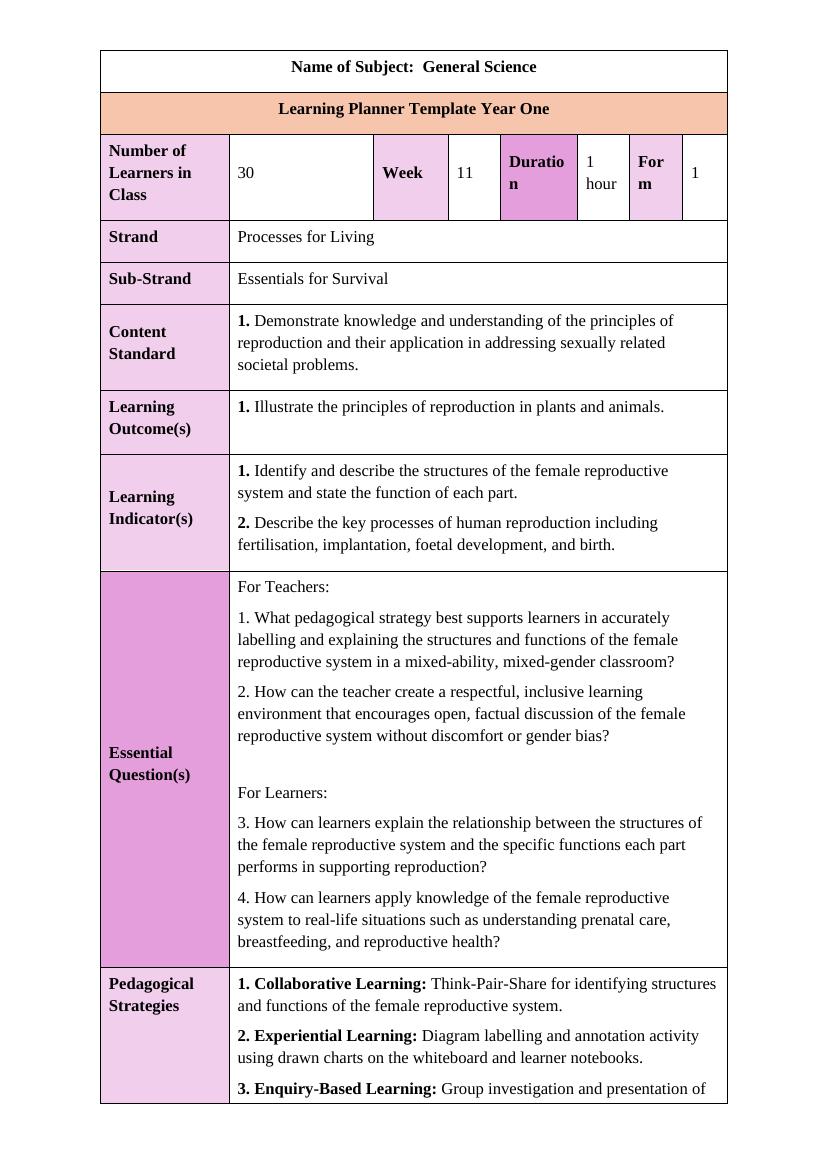
Both tools can produce a curriculum-aligned lesson plan for a given subject, class, and week, pulling from the same underlying NaCCA Strand / Sub-Strand / Content Standard / Indicator structure. If a single lesson note is all you need, either can get you there.
Where they differ
- Scheme of work — SHS Planner builds a full term or academic-year scheme mapped to your actual term dates, not just a single lesson.
- Exam materials — SHS Planner generates question papers, marking schemes, and tables of specification in WASSCE format, as three separate documents.
- Presentation slides — SHS Planner exports lesson content directly to PowerPoint for classroom use.
- Online quizzes — SHS Planner includes a self-marking quiz link students can open on their own phones.
- Access and cost — the Subject Specific App is distributed through official GES/NaCCA channels and PLC sessions. SHS Planner is a separate paid service with free credits on signup, accessed directly on the web.
Need more than a lesson note?
SHS Planner generates your full scheme of work, lesson plans, exam papers with marking schemes, and PowerPoint slides — all matched to the NaCCA curriculum for your subject and year.
Try SHS Planner FreeFrequently Asked Questions
- Is SHS Planner the same as the official GES Subject Specific App?
- No. The Subject Specific App is an official GES/NaCCA/NTC/NaSIA/CENDLOS tool built with Playlab AI. SHS Planner is an independent website with no connection to GES or NaCCA.
- Can I use SHS Planner alongside the Subject Specific App?
- Yes — many teachers use the official app for PLC-aligned lesson planning and use SHS Planner for schemes of work, exam papers, and slides.
- Does SHS Planner generate schemes of work and exam papers?
- Yes — full term/year schemes of work, exam papers, marking schemes, tables of specification, PowerPoint slides, and self-marking quizzes, alongside lesson plans.