Frequently Asked Questions
Common questions about how SHS Planner works. If yours is not answered here, send a message and it will be added.
About the Website
- Is SHS Planner an official GES or NaCCA website?
- No. SHS Planner is a private, independently owned website. It is not affiliated with, endorsed by, or connected to the Ghana Education Service (GES), NaCCA, the Ministry of Education, or any government body. It is an unofficial teaching aid, not a source of official curriculum documents or policy.
- Who is behind SHS Planner?
- SHS Planner is built by EDICODE TECHNOLOGIES for the Ghanaian teacher. It is an independent project, not a government one. You can read more on the About page.
Generating Documents
- How long does it take to generate a lesson plan?
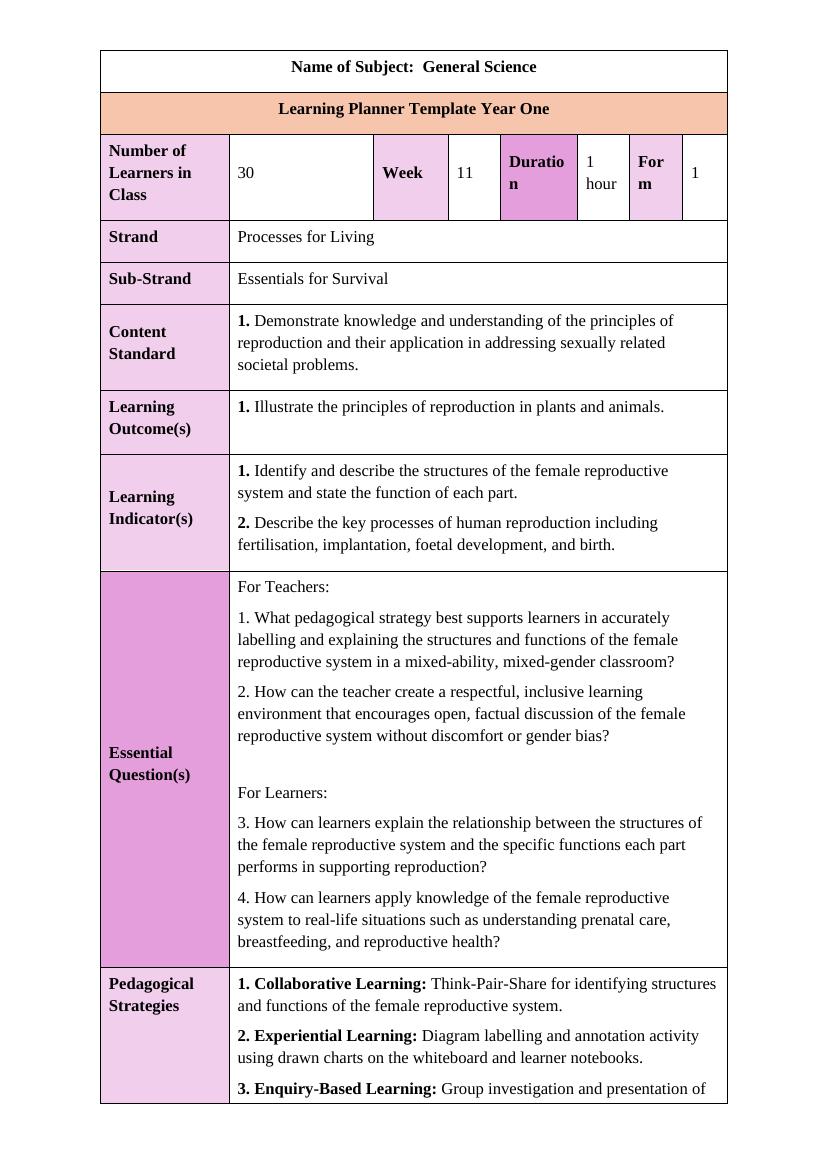
- Most documents are ready in about five minutes — including a full assessment package of exam paper, marking scheme and table of specification.
- What documents can SHS Planner generate?
- Five things: sample lesson plans; assessments with marking scheme and table of specification; a self-marking online MCQ quiz; schemes of work for a semester or a full academic year; and PowerPoint slides for classroom delivery.
- How does the Online Assessment (MCQ quiz) work?
- From the Assessment builder, generate a set of multiple-choice questions, then share one link with your class. Each student takes it on their own phone, with their questions shown in a different shuffled order to discourage copying. Results are marked automatically — you get a gradebook and a full item-analysis report without marking a single script by hand.
- Can I edit the documents after downloading?
- Yes. Everything downloads as a standard Word or PowerPoint file, editable in Microsoft Office, Google Docs, WPS Office or any compatible app.
- Which subjects and year groups are covered?
- A wide range of SHS subjects for Year 1 and Year 2 — core subjects, sciences, humanities, business, technical subjects and Ghanaian languages. Coverage is expanding.
- Are the generated documents always accurate?
- No, and this matters. Documents are generated by artificial intelligence and are drafts for a professional to review. They can contain mistakes, gaps, or content that does not suit your particular class. Always read a document and correct it before using or submitting it. The tool removes the typing; the teaching judgement stays with you.
- Can I use these lesson plans for lesson notes vetting?
- They are drafts meant to save you typing and formatting time. Review and adapt them to your class, your school's requirements and your head of department's expectations before submitting them anywhere.
Credits and Payment
- Do I need to pay to use SHS Planner?
- You get free credits when you sign up — no card required. Once those are used you can buy more.
- When are credits deducted?
- Only when a document is successfully generated.
- What happens if a document fails to generate?
- The credit is automatically refunded to your account and you are notified. You can then try again.
Using the App
- Can I install SHS Planner as an app on my phone?
- Yes. It works as a progressive web app. On Android, use the install prompt or your browser menu. On iPhone, tap the Share icon in Safari and choose Add to Home Screen.
- How do I sign in?
- Sign in with Google, or with your email address using a one-time code sent to your inbox. No password to remember.
Ready to try it?
Generate a curriculum-aligned lesson plan in the official template — plus schemes of work, assessments and slides — in minutes.
Try SHS Planner Free